Moving WordPress to a New Domain? Use This DNS and SEO Checklist
Your registrar manages the domain registration. DNS tells browsers and mail servers where to find services. Hosting serves the website. WordPress builds the pages and their links. A migration can change one layer without changing the others, so start by deciding which one actually needs to move.
Before the switch
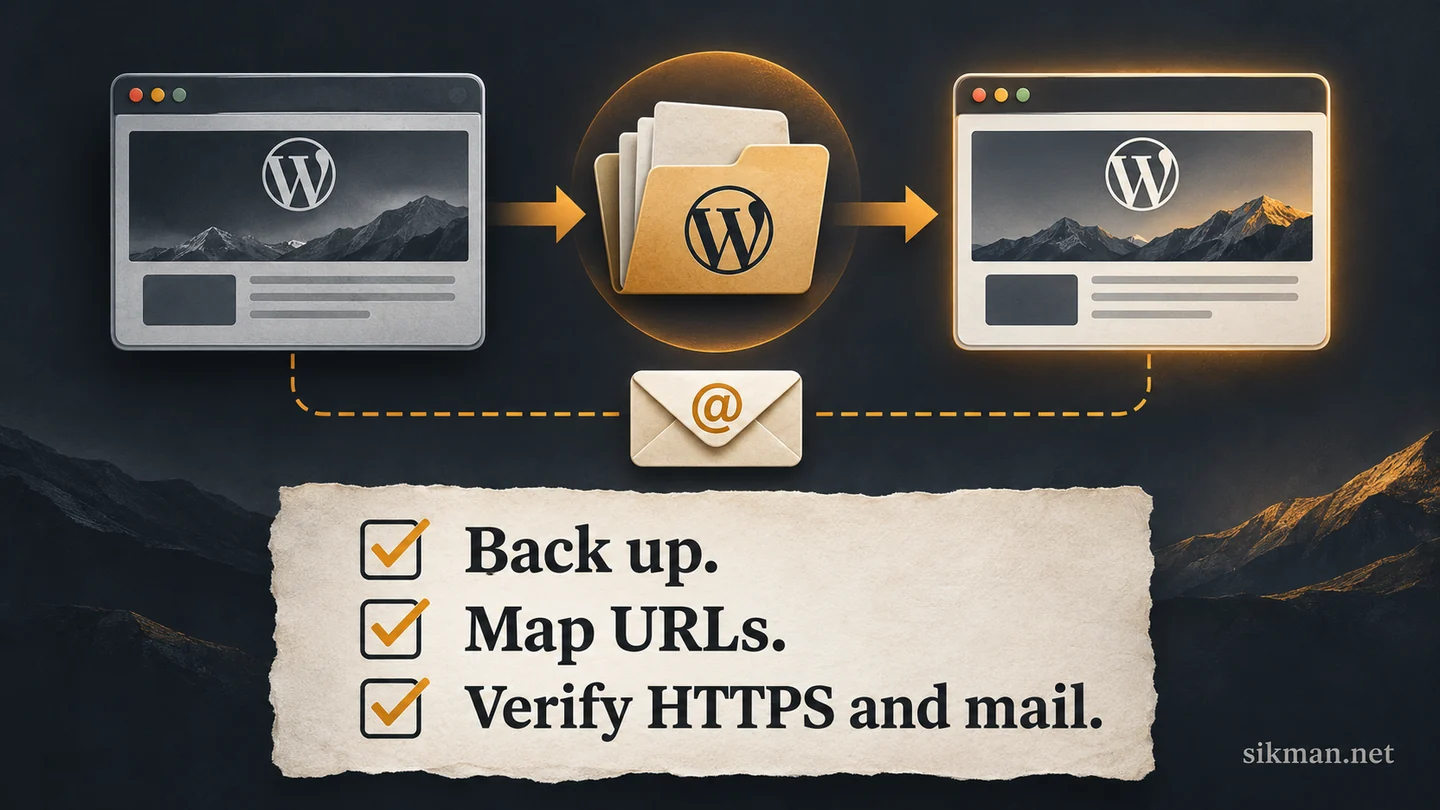
- Inventory the old site: Save the important page URLs, forms, media, subdomains, and services that must stay where they are.
- Back up files and database: Store copies somewhere independent of the old site. Verify the recovery path. Record the existing DNS and mail configuration. If only the website record needs to change, do not reset the zone or touch mail and verification records.
- Prepare the destination: Use a protected preview where possible. Check a homepage, deep article, images, form and admin login. Make sure each public hostname has valid HTTPS. Use a migration tool that handles WordPress’s serialized data when updating stored URLs.
Map old URLs to matching new pages
An old article should redirect to the corresponding article, not the new homepage. For a permanent move, configure server-side permanent redirects, keep HTTPS working on the old host, and test the first response and final URL. Use a real 404 for a removed page with no substitute. Update internal links so they go directly to the new URLs.
Verify the site and email separately
After the switch, open several pages as a guest. Inspect their canonical URLs, sitemap, and robots directives. Leave staging out of search, but do not accidentally carry its noindex setting into a public launch. Submit the new sitemap and inspect representative pages in Search Console. See Google’s site-move guide for the search-side steps.
If the domain handles email and you changed mail-relevant DNS, test sending and receiving with accounts you control. A working homepage does not prove that email works.
Launch gate: HTTPS works, old links reach their equivalents, intended pages can be indexed, and the services you wanted to keep still work.
What to read next
Once the new address is stable, compare performance on the pages readers use and run a small content audit to spot unclear links or next steps.
After a domain move, use the Google indexing guide to check representative URLs on the new domain. A successful live crawl is not the same as confirmation that the new URL is already indexed.