How to Use ChatGPT for a WordPress Content Audit
The easiest way to get vague SEO advice from ChatGPT is to ask it to “audit my website.” It has to guess which pages matter and what it can inspect. Start with five public pages and one decision: what should you fix first?
Start with five pages
Pick a homepage, a service page, an article, a contact page, and a page that gets traffic but rarely leads to a useful next step. For each, record the URL, title, main heading, audience and intended action. Mark unknowns rather than guessing. Do not include logins, customer records or unpublished client details.
Example: Your homepage says “We build websites” and targets independent business owners. You want readers to see an example and request a quote. The only visible button says “Learn more.”
Give ChatGPT a stopping point
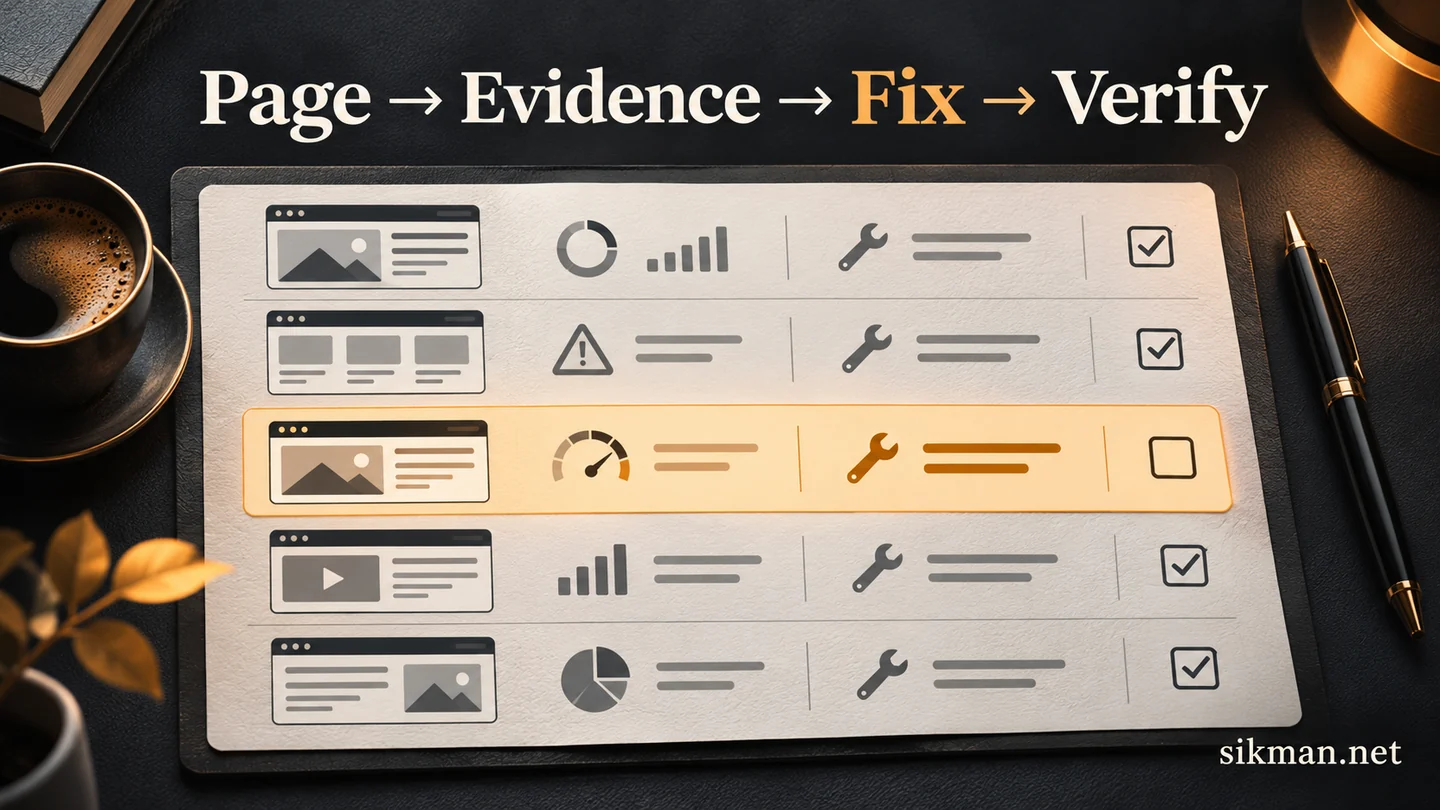
Review these five pages for clarity, duplication and missing next steps. Use only my notes. For each page, give one issue, quote the evidence, suggest the smallest fix and say how to verify it. Rank fixes by usefulness to readers. Mark anything that needs a live check as unverified. Do not invent traffic, rankings, case studies or business claims.
Define the evidence and output as explicitly as possible. See OpenAI’s guide to writing prompts for more on giving clear instructions and refining them with examples.
Verify before editing
In the homepage example, “See website projects” is a better button if it really leads to a project gallery. Check the target before you change the label. Use separate tools for technical facts such as redirects, indexability and Search Console impressions. Finish by opening the page on a phone and following its main link as a first-time visitor.
Try it today: Fix one ambiguous next step and record the old and new wording. Keep the other suggestions in a short backlog so you can evaluate one change at a time.
What to read next
If the audit flags a slow page, find the bottleneck before upgrading hosting. If the main problem is a page on the wrong domain or an old link, start with the DNS and SEO migration checklist.