WordPress Speed: What to Fix Before You Buy Faster Hosting
A slow WordPress page does not automatically need a larger hosting plan. If the browser downloads an oversized hero image, a faster server may barely help. If even a small cached page takes seconds to respond, the server deserves a closer look. Find out where the time goes before you spend money.
Measure three pages
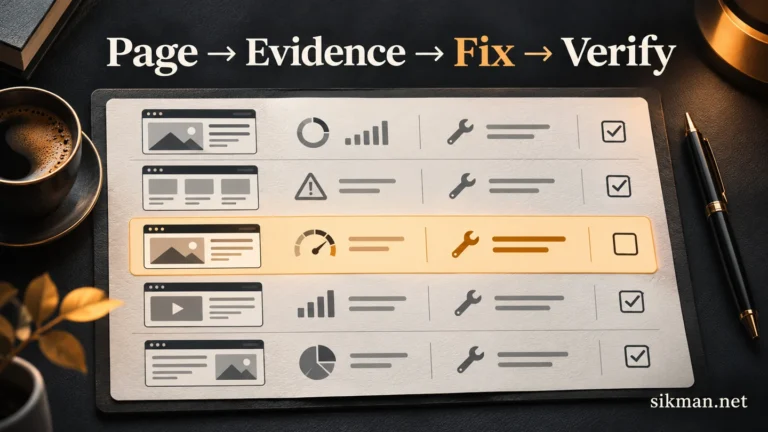
Test a homepage, a representative article, and an important service or product page in PageSpeed Insights. Record the device profile and whether there is real-user data. If not, use the lab run as a diagnostic, not as a summary of everyone’s experience. Keep the conditions comparable and avoid conclusions from one noisy result.
LCP describes when the largest visible content element appears. INP measures responsiveness to interactions. CLS describes unexpected layout shifts. See Google’s Web Vitals guide for how the metrics are collected.
Follow the slowdown
- Largest image arrives late: Confirm it is the LCP element. Serve an appropriate image size, reserve the layout space, and avoid lazy-loading the main above-the-fold image.
- Clicks feel slow: Check nonessential widgets, sliders, and analytics or marketing scripts. Test one change on staging and make sure forms, menus, and consent controls still work.
- First response is slow: Compare a cached public page with a cache miss, and inspect the origin response. Do not full-page cache personalized routes such as account or checkout.
Change one thing and repeat the test
If mobile users receive a desktop-size hero, change image delivery first. Repeat the same tests and check how the page looks on both devices. Log the page, conditions, change, and outcome so you can reverse it if needed.
When to upgrade: Consider it if several key pages still show slow origin response after you address application and cache issues, or your plan repeatedly hits resource limits under normal traffic. An upgrade should address a measured problem, not just a low score.
What to read next
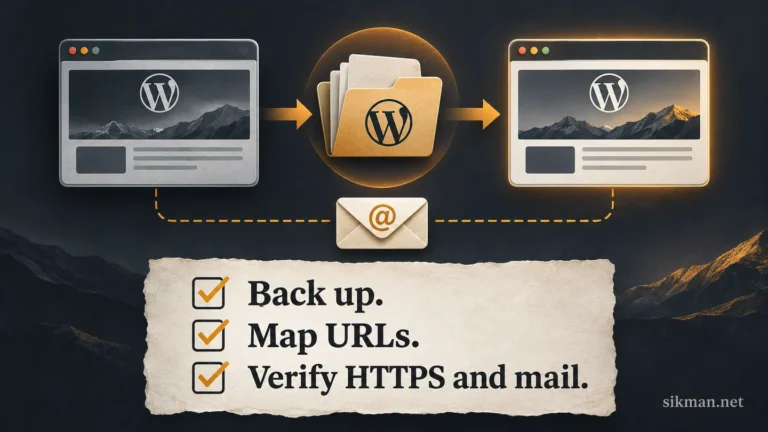
If the site feels faster but readers still miss the main action, audit five pages for clarity. If you do decide to move to another domain, use the migration checklist before touching DNS or email.
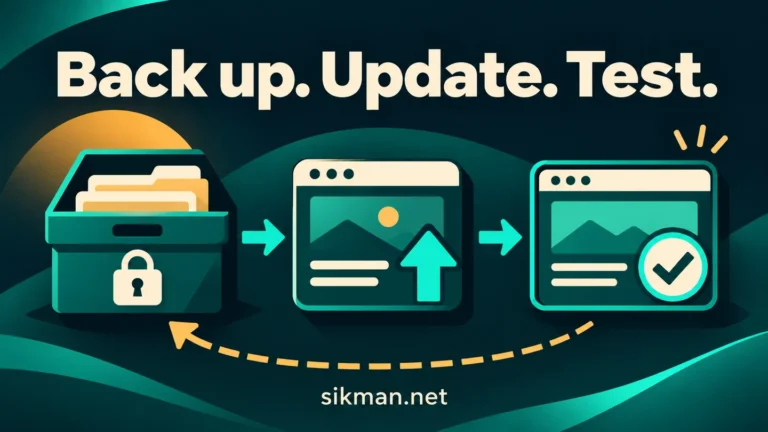
Planning to update WordPress, a theme, or a plugin as part of the speed fix? Use the update-day checklist to record your baseline and test the same pages afterward.